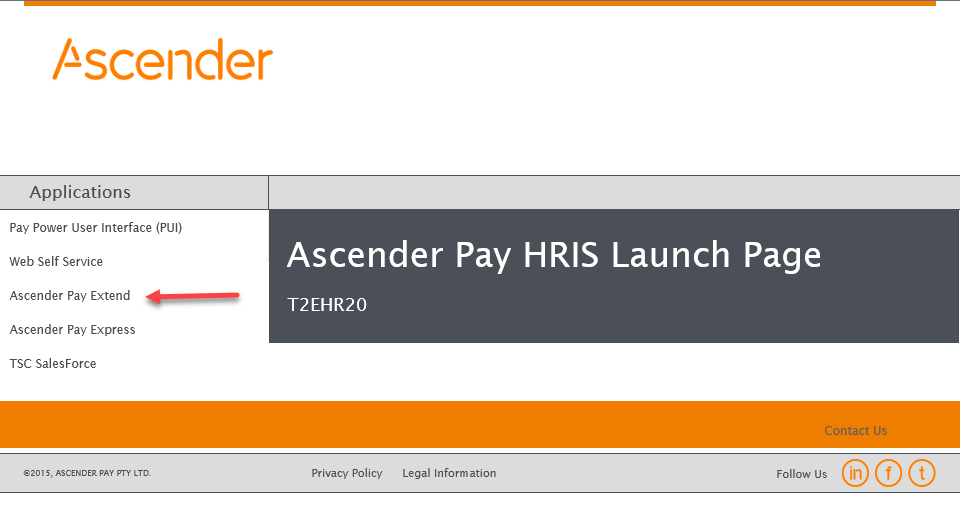
Logging into aPay
Depending on your organisation and user privileges there are several ways you may access and login to aPay Extend:
- Through Web Self Service if you are a basic Extend User who runs reports only.
- Through the Workforce Reporting Menu in the Power User Interface (9801)
- aPay Extend direct interface. In this case you will log in to aPay Extend via the link setup by your employer on your internal server or intranet site.
Example
a. Launch aPay Extend.
b. This will launch aPay Extend Login. You will be prompted for your User Name and Password. This is your aPay Power User Interface user name and password.
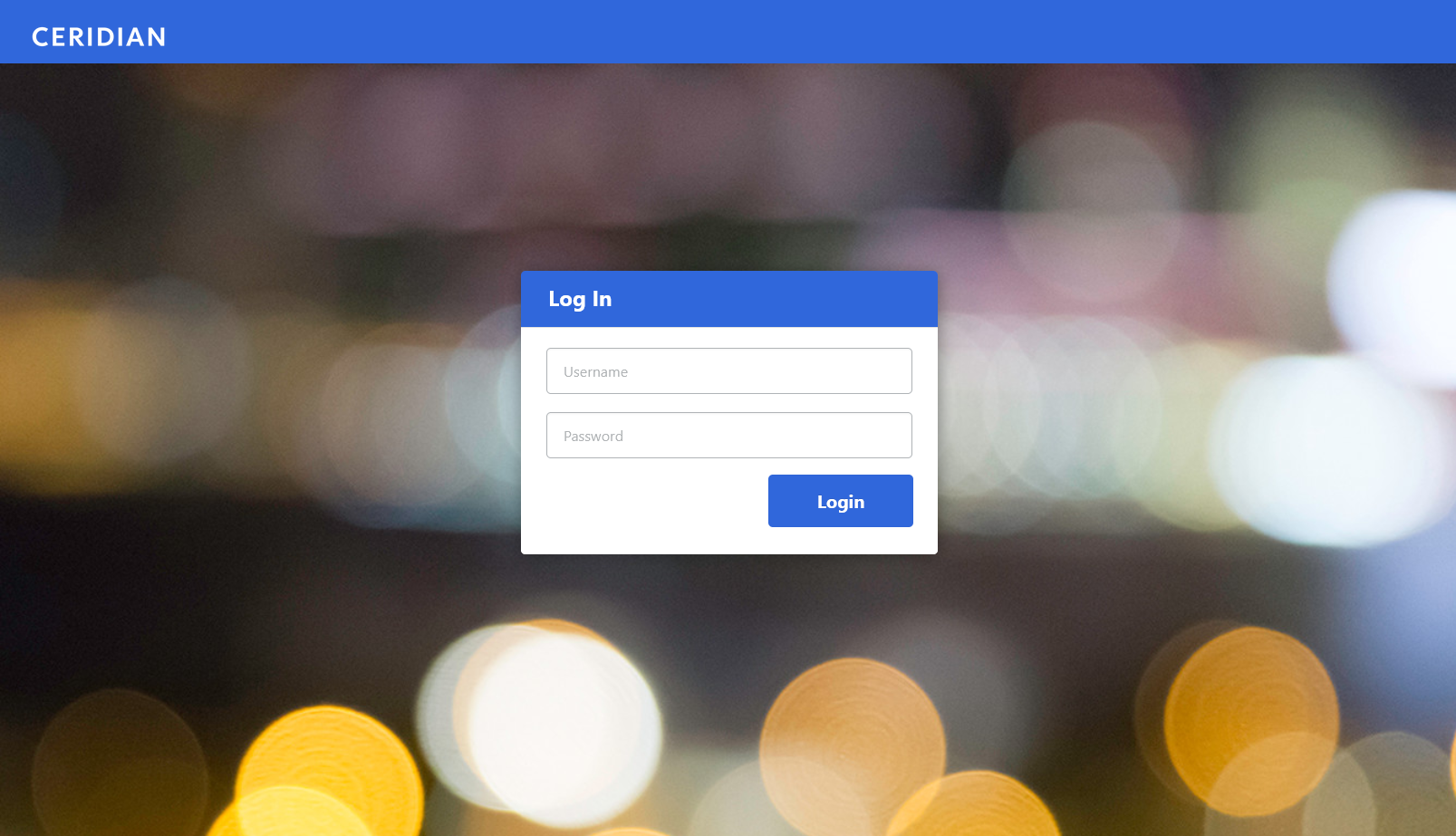
 Multi-Factor Authentication (MFA) has been implemented to provide additional level of security when users log in to aPay Extend. Refer to Multi-Factor Authentication in Power User Interface (PUI) and Extend user guide for details.